Research & Education

Open robot platforms for teaching and research

Documented hardware for robotics education, prototyping and Physical AI research — from first motion and kinematics to teleoperation, datasets and learned policies.

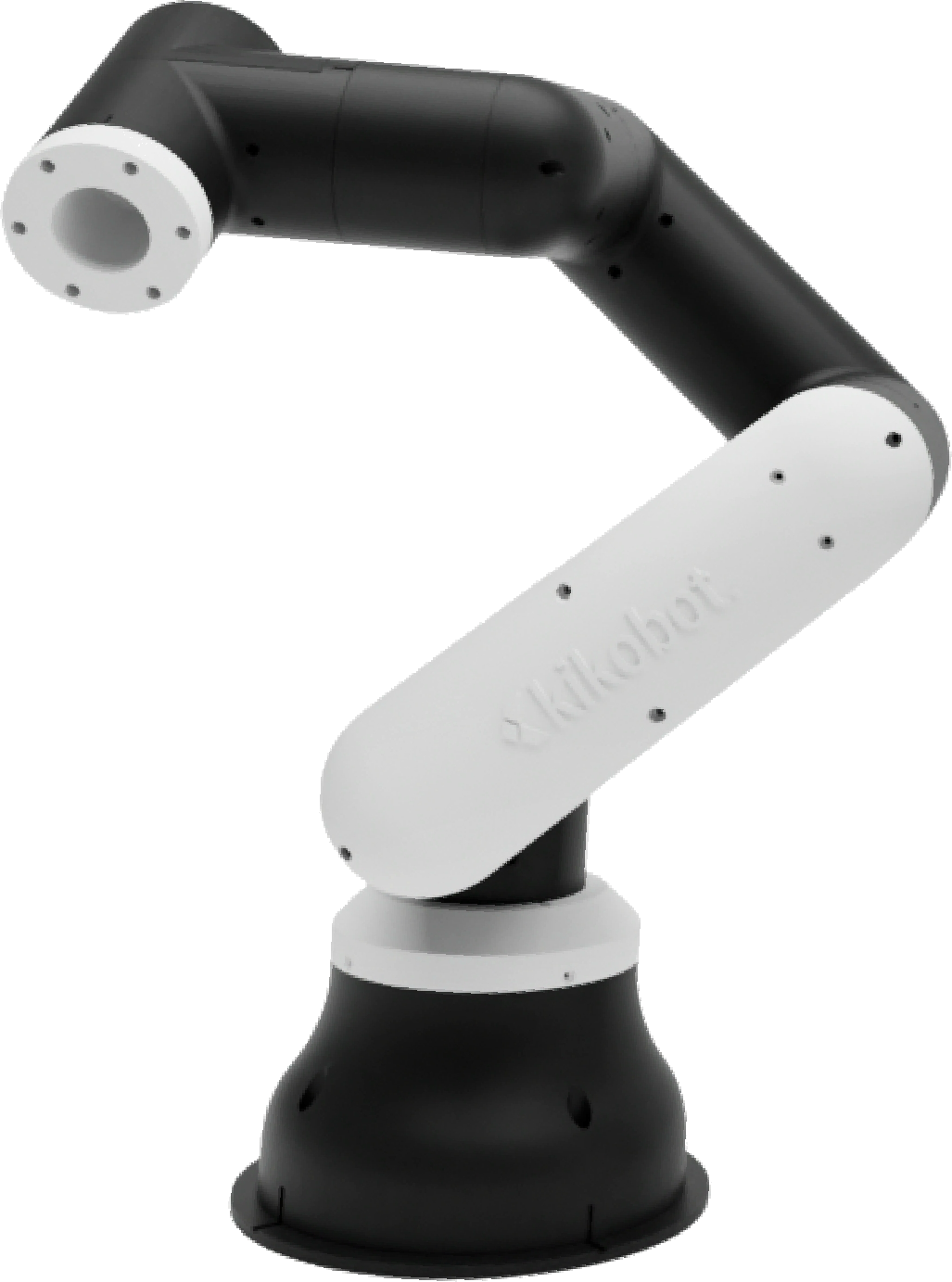
Kikobot C1 desktop cobot
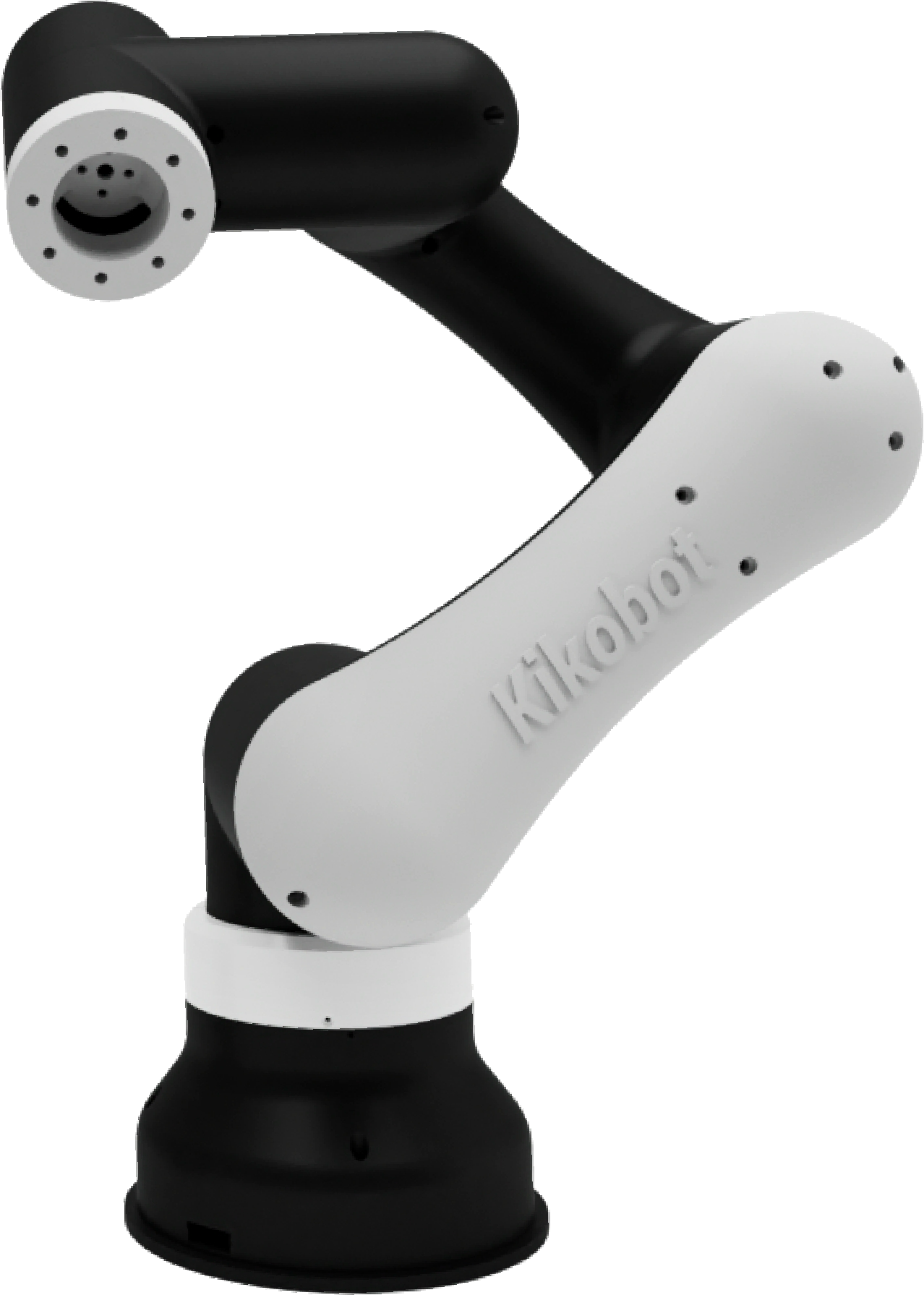
Kikobot C2 desktop cobot

Who it is for

One platform, three kinds of lab

The hardware stays open and practical; the programme around it changes with the outcome you need.

Universities

Teaching labs

Give every cohort time on a real robot, with hardware small enough for a desk and open enough for students to inspect and program.

R&D teams

Physical AI research

Collect demonstrations, develop perception and manipulation pipelines, and move policies from simulation onto physical hardware.

Innovation centres

Hands-on training

Run practical robotics, vision and ROS 2 programmes without reserving an industrial cell for every exercise.

Configurations and pricing

Choose a buying path before choosing every component

Kikobot research hardware is currently quoted rather than sold through online checkout. These three starting configurations make the scope—and the variables that set the price—explicit.

Individual platform

Start with one robot

Prototyping, a faculty project or a first robotics workstation.

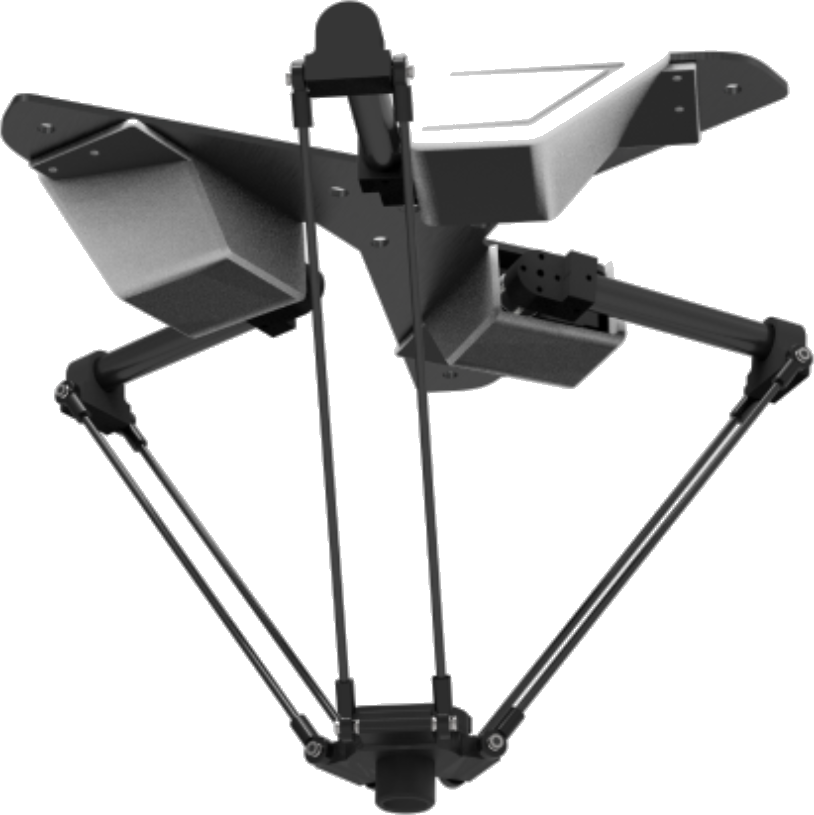
Choose C1 for six-axis manipulation or D1 for delta kinematics, then confirm the controller, end-effector and software workflow required for the experiment.

How pricing works

Current unit price, taxes, delivery, included items and warranty are confirmed in a written quote before order.

Compare individual platforms

Teaching lab

Configure for a cohort

Practical robotics, kinematics, control, vision and ROS 2 teaching.

Scope robot quantity, workstation sharing, tooling, spares, instructor onboarding and the exercises the lab needs to deliver.

How pricing works

The lab quote separates hardware, optional accessories, training or curriculum support, taxes and delivery.

Plan a teaching lab

Physical AI research

Scope the experiment stack

Teleoperation, dataset collection, perception, manipulation and learned-policy evaluation.

Define the robot arrangement, end-effectors, cameras, compute, control interfaces and measurements needed for reproducible trials.

How pricing works

The research-system quote identifies the supplied hardware and software scope separately from lab-provided equipment.

Scope a research system

In action

See the products in motion

Watch real Kikobot hardware teach, coordinate and respond to operator input. These official demonstrations show C1, C2 and D1 in motion.

Learning path

Plan the lab around outcomes

This is the programme structure to confirm during lab planning. Specific lesson files and software releases should be listed in the proposal rather than assumed from a product claim.

01

Commission the workstation

Confirm the supplied configuration, install the stated software and complete first motion safely.

02

Teach robot fundamentals

Use joints, frames, kinematics, workspace and end-effector exercises on the selected platform.

03

Connect code and perception

Move into the confirmed Python or ROS 2 interface, camera calibration and application logic.

04

Run a measured project

Define an outcome, record results and compare repeatability, task success or policy performance across trials.

Learning and research

A path from motion to intelligence

Start with the mechanics and control stack, then move into perception, data and policies.

Robotics fundamentals

Kinematics, workspaces, joints and end effectors on physical hardware.

Robot programming

Move from guided operation to scripted motion and full control.

Vision systems

Detection, pose estimation and visual servoing at the robot.

Python & ROS 2

Use familiar tools and interfaces that transfer into larger systems.

Simulation

Develop and validate in simulation before running on the real platform.

Physical AI

Record demonstrations, train a policy and evaluate it in the real world.

Open research workflow

From demonstration to learned behaviour

Kikobot platforms are designed to sit inside a modern robotics workflow rather than replace it with a closed toolchain.

01

Demonstrate

Teleoperate the robot and capture the task as it is performed.

02

Build the dataset

Record motion, images and task state in a repeatable experiment.

03

Train and simulate

Develop the policy with the tools your lab already uses.

04

Deploy and measure

Run on the same physical platform and compare outcomes across trials.

LeRobotNVIDIA OmniverseIsaac SimPythonROS 2

Documentation

Build on an open foundation

Start with setup guidance, interfaces and worked examples, then adapt the platform to your own curriculum or experiment.

Read the documentation →

Plan a lab

Tell us what you want learners to achieve

We will help map the hardware, compute and support to your cohort size and research goals.

Plan a lab or research system

Looking for products, pricing or availability?

Visit the separate shop →